A calendar that understands deadlines
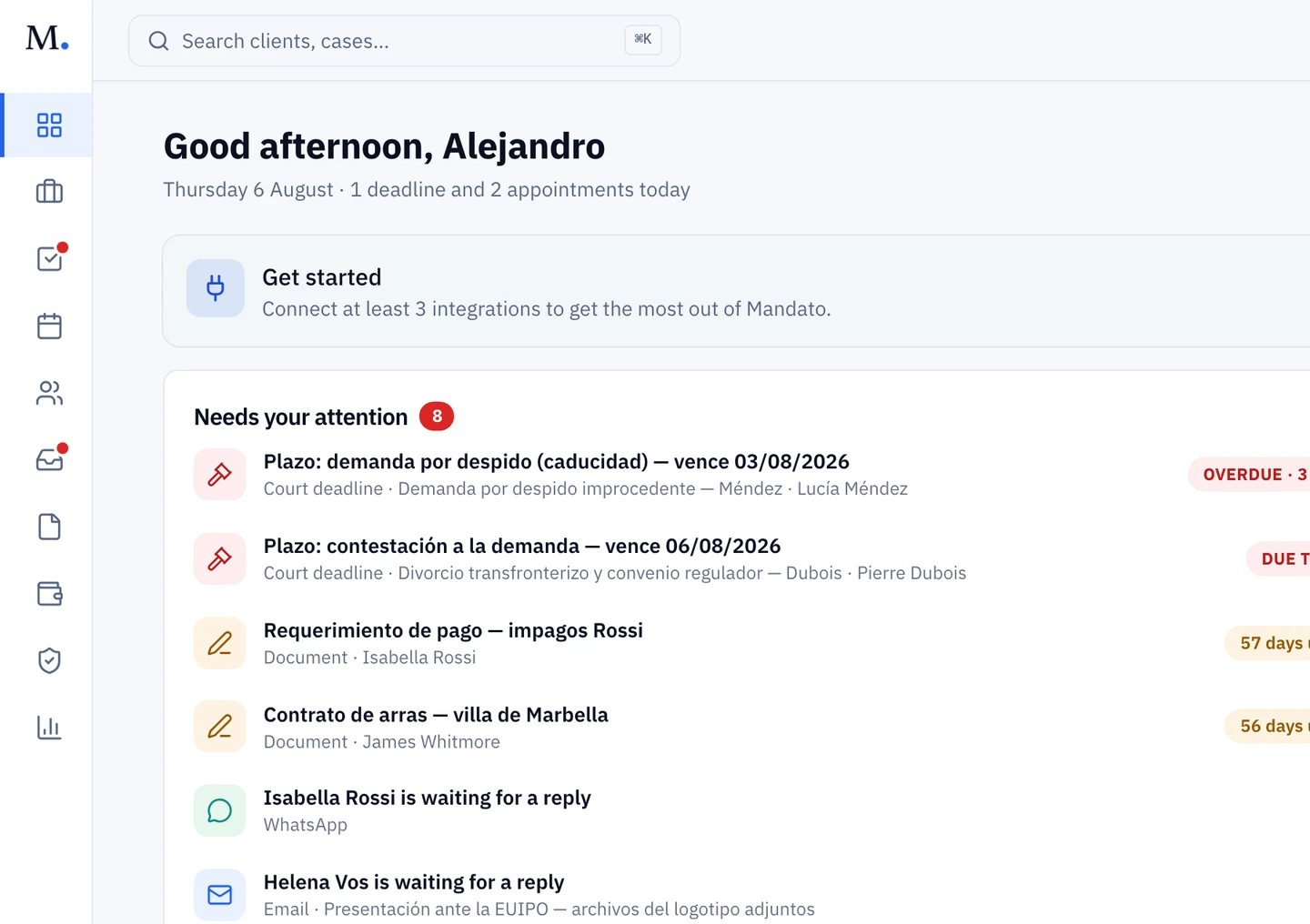
The firm's calendar with hearings, due dates and deadlines computed on working days and holidays.
14-day trial · No lock-in
In a law firm, the calendar isn't a list of meetings: it's the line between a well-run matter and professional liability. Procedural deadlines don't forgive a miscounted holiday.
So Mandato's calendar isn't a generic one. It knows which days count, knows the holidays, and computes deadlines from the notification date — and every event hangs off its matter, not off someone's personal agenda.
The firm's calendar, complete.
The firm's month
Due dates, hearings and the whole team's meetings, in one view.
Computed deadlines
From the notification date, counting working days and holidays.
Reminders
Advance warning to whoever runs the matter, before every due date.
Court filings
What was filed, with which court, under which case number, and which receipt came back.
Everything on its matter
Every event hangs off its matter: the file opens from the calendar.
Everyone's agenda
Who's in court, what's due this week and what gets signed — visible to the team.
The firm's week, before and after.
- Counting working days by hand, twice to be safe15 min each
- Post-its and personal alarms for due datesRisk
- Asking who has a hearing this weekEvery Monday
- Hunting which matter Thursday's meeting belongs to10 min
- Deadline computed from the notification, with its ruleAutomatic
- A reminder ahead of time, to the right personBuilt in
- The firm's week, in one viewA glance
- From the event to the matter1 click
An illustrative estimate; the computation stays visible so the final judgement is the lawyer's.
Deadlines on working days and holidays
When the notification arrives through LexNET there is nothing to enter: Mandato reads the notification date and the judicial act it contains, and proposes the deadlines that act opens — twenty days to answer the claim under Article 404 LEC, five for a reposición under 451 — already computed and in the matter's calendar.
The counting is the courts' counting: working days, national, regional and court-seat holidays, and August excluded in the civil jurisdiction but not in the criminal one, where LECrim deadlines keep running. Every deadline carries the article it comes from in plain sight.
You can also enter the notification date by hand when a resolution arrives some other way. The arithmetic is identical; the only thing that changes is who types the date. The result is always reviewable — procedural judgement belongs to the lawyer, and that is the split we want: Mandato does the arithmetic, you make the decision.
Reminders before, not after
Every due date warns ahead of time, to whoever runs the matter. The goal isn't to learn that a deadline passed: it's to have margin to spare while something can still be done.
Filings, and the receipt that closes them
A deadline does not close when the submission goes out. It closes when the receipt comes back. Mandato keeps the filing record inside the matter: the date, the court, the case number or LexNET reference, the type of submission — claim, defence, appeal, written pleadings — and its state: filed, acknowledged, or rejected.
A filing can hang off the deadline it answers, and that deadline sits in the firm's calendar alongside the rest. So the nine-o'clock question — “did the appeal in the Müller matter go out?” — is answered by opening the matter, not by calling the procurador.
Rejection is a state, not an absence. A rejected submission stays on the list with its date and its reason, because the deadline it was going to close is still open and whoever owns it needs to see that.
Hearings and meetings, next to the deadlines
Hearings, board meetings, notary signings and internal meetings live on the same calendar as the due dates, each linked to its matter. The whole firm's week fits on one screen — who's in court, what's due, what gets signed.
What a serious calendar gives back.
- 1calendar
for the whole firm, with every event hanging off its matter
- 0
deadlines counted by hand: computed from the notification date
- 10h/wk
recovered per lawyer from admin work — the founding firm's own figure
The hours, clients and documents figures are the founding firm's (Frank & Partners); the rest describes the product. Run your own numbers with the savings calculator
Event sync with Google Calendar is in development: you can connect your Google account today, and two-way sync arrives later. And Mandato doesn't integrate the AEAT tax calendar: the deadlines it computes are procedural and matter deadlines, not your tax obligations.
Frequently asked questions
How does it compute procedural deadlines?
From the notification date, counting working days and skipping holidays. The rule applied and the result are recorded on the matter, and you can always adjust the computation: procedural judgement belongs to the lawyer.
Does it sync with Google Calendar?
The Google connection is available and two-way event sync is in development. Today the calendar lives in Mandato, with reminders before every due date.
Does it include the AEAT tax calendar?
No, and it isn't planned. Mandato computes procedural deadlines and your matters' deadlines — including a client's tax ones: the alegaciones window on a requerimiento or the month to appeal to the TEAR are counted the same way, in working days with the holidays applied. What it doesn't carry is the calendar of the firm's own obligations to the tax authority; that stays with your accountant or your accounting software.
Where is the record of what I have filed?
In the matter itself. Every filing is recorded with its date, the court, the case number or LexNET reference, the type of submission and its state — filed, acknowledged or rejected — and it can be linked to the deadline it answers so that deadline appears in the calendar. A rejected submission does not vanish from the list: it stays with its reason, because the deadline is still live.
Never get caught counting days.
Enter the first notification and let the deadline compute itself. Fourteen days free.
The demo opens in your browser — no account needed.